
API Keys
What is an API key?
An API key is a unique identifier that allows you to access the ECO Portal API. Every API request must include your API key in the x-api-key header.
Create a key
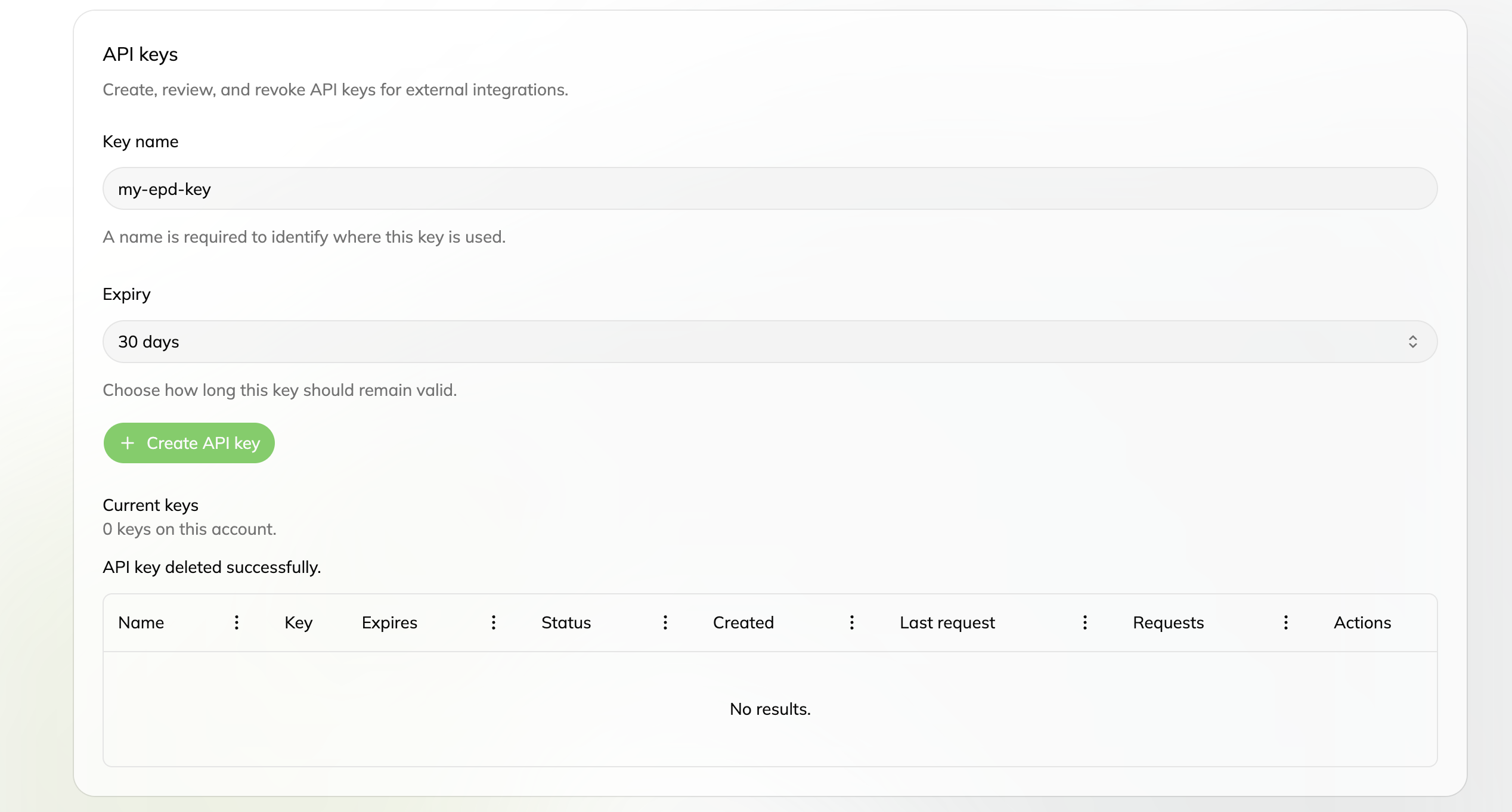
- Sign in to the ECO Portal
- Go to your Profile (top right corner)
- Click on “API Keys” in the left sidebar
- Enter a Key name (e.g.
my-epd-key) — a name is required to identify where this key is used - Choose an Expiry (e.g. 30 days) — how long the key should remain valid
- Click the green Create API key button and copy the key immediately — it will only be shown once
Important: The key is shown only once when created. Copy it and store it safely in a secure location like a password manager or environment variable. Never commit it to your code repository.
Use your key
When making API calls, include your key in the x-api-key header:
x-api-key: <your key>See Authentication for ready-to-use code examples in Python and JavaScript.
How many keys you can have
Your account has limits on how many API keys you can create (per plan):
| User category | Max user keys | Daily request quota | Can create organization keys? |
|---|---|---|---|
| free | 0 | 0 | no |
| start-up | 1 | 10,000 | no |
| standard | 3 | 100,000 | no |
| high-performer | 100 | 1,000,000 | yes |
The keys table on the API Keys page shows each key’s status and usage — the Requests column counts the requests your key has made against its daily quota.
Delete / rotate keys
- To delete a key: go to Profile → API Keys → click the trash icon next to the key you want to remove
- To rotate a key (replace an old one): create a new key, update your applications to use the new key, then delete the old one
Important: Once deleted, a key stops working immediately. Make sure to update any applications using it before deleting it.
Organization keys
Organizations on a premium license can also create shared API keys. These organization keys can be used to access the API on behalf of the organization rather than just the individual user. For more information about organizations, see Organizations.